Best uses
- Shrink images for websites, forms, email attachments, and chat apps.
- Batch process multiple images before uploading them.
- Reduce storage size while keeping images usable.
Compress JPG, PNG, WebP, GIF, TIFF, BMP, AVIF, and HEIC images online, reduce file size, and review quality checks before downloading.
Use this online image compressor to reduce file size before uploading images to websites, sending them by email, or storing them on your device. The tool supports common image formats and lets you download compressed files individually or together in a ZIP file.
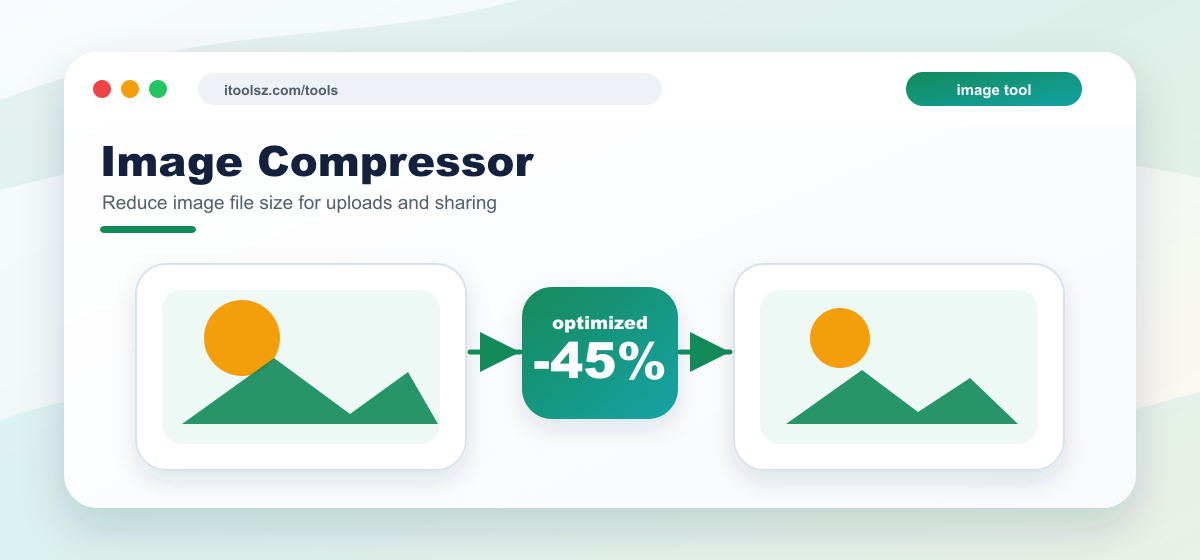
PNG, JPG, JPEG, WebP, GIF, TIFF, BMP, AVIF, and HEIC files are accepted by the uploader. Browser support and server image-library support can affect whether every file is processed successfully.
Upload up to 10 images at a time, 10 MB each and 50 MB in total. Compression may reduce visible quality, especially on detailed photos, gradients, and images that have already been heavily compressed.
Uploaded images are used for the compression task and generated outputs are treated as temporary files. The site schedules image output cleanup after processing. Do not upload sensitive, private, illegal, or copyrighted files that you are not allowed to process.
Usually yes, at least slightly. The goal is to make the file smaller while keeping the image acceptable for normal use.
Some images are already optimized, and some formats or dimensions cannot be reduced much without stronger quality loss.
Compress images before uploading to websites, attaching to emails, or sending over slow connections.
Use this tool to reduce image file size before uploading, emailing, or publishing. Compression is most useful when the file is larger than needed for the screen size or upload limit.
Usually yes, but good compression aims to reduce file size while keeping the image visually acceptable.
Some images are already compressed, very detailed, or high resolution. Resizing dimensions can help more than compression alone.