Best uses
- Move between compact base-8 and base-16 notation.
- Check computer science exercises involving multiple bases.
- Convert older octal-style values into modern hex notation.
Convert octal numbers to hexadecimal online by using binary as a bridge, with examples, grouping checks, FAQs, and common errors.
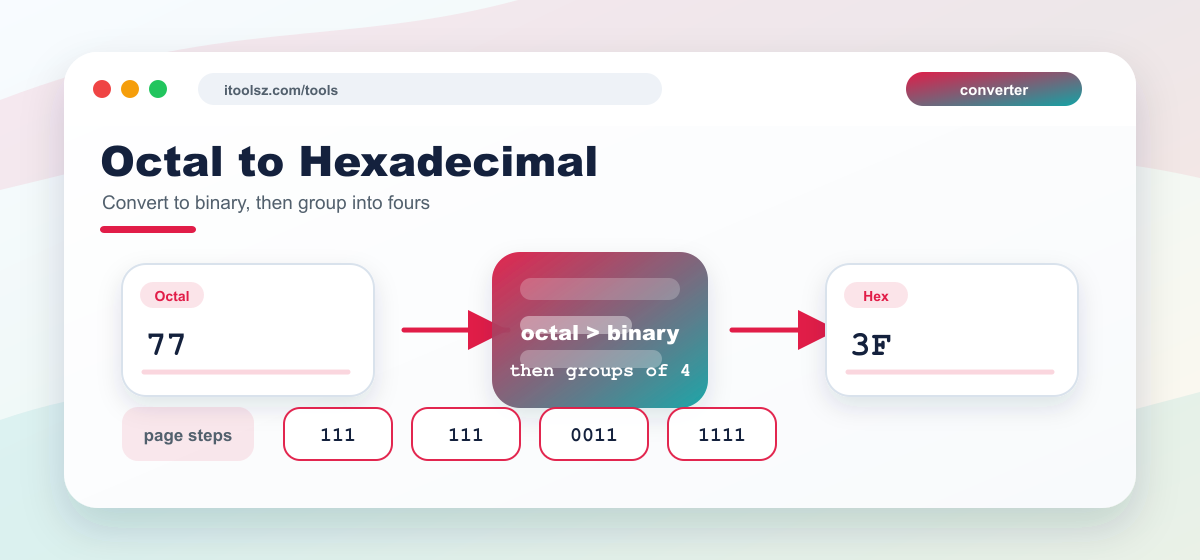
The practical method is to convert the octal number to binary first, then group the binary digits into sets of four and convert those groups to hexadecimal. Octal uses digits 0 to 7, while hexadecimal uses digits 0 to 9 and letters A to F. Here is an example:
(77.62)8 = (?)16
| Octal= | 7 | 7 | . | 6 | 2 |
|---|---|---|---|---|---|
| Arrow= | ↓ | ↓ | . | ↓ | ↓ |
| Chunk= | ______ | ______ | . | ______ | ______ |
| Binary= | 1 1 1 | 1 1 1 | . | 1 1 0 | 0 1 0 |
| Binary= | 0 0 1 1 | 1 1 1 1 | . | 1 1 0 0 | 1 0 0 0 |
| Chunk= | _______ | _______ | . | _______ | _______ |
|---|---|---|---|---|---|
| Arrow= | ↓ | ↓ | . | ↓ | ↓ |
| Hexadecimal= | 3 | F | . | C | 8 |
Octal and hexadecimal are both shortcuts for writing binary values, but they group bits differently. Octal uses groups of three bits, while hexadecimal uses groups of four bits. This converter helps when you need to compare older octal examples with modern hexadecimal notation or move between file permission, digital logic, and programming examples.
| Octal | Hexadecimal |
|---|---|
| 0 | 0 |
| 1 | 1 |
| 2 | 2 |
| 3 | 3 |
| 4 | 4 |
| 5 | 5 |
| 6 | 6 |
| 7 | 7 |
| 10 | 8 |
| 11 | 9 |
| 12 | A |
| 13 | B |
| 14 | C |
| 15 | D |
| 16 | E |
| 17 | F |
A reliable way to convert octal to hexadecimal is to convert octal digits to binary first, then group the binary digits into sets of four.
Octal and hexadecimal both map cleanly to binary, so binary is the simplest bridge between them.
Leading padding zeros do not change the value when they are only used to complete a group.